

Digital Media in the classroom
The 21st century society is one full of digital media, with a wide range of ways to reach selected audiences, using images, video and audio. In every day occurrences, advertisements pop up continuously with great amounts of colour, appeal and things to be desired. Imagery and media cause a great influence on consumers and cleverly target relating audiences.
In the modern classroom, the use of digital media can help engage students, just as the use of Bitmoji and other digital media was intended within my previous blog post, to engage readers like yourself. Digital media can be used as a visual tool to explain examples that would otherwise be left to the imagination. This provide a focus point for what the intended focus is. One central idea can be shown through multiple representations e.g. YouTube videos, Ted Talk videos, infographics, pictures of scenarios and many more. Such creative tools allow for a visual representation that can demonstrate imagination, creativity, explanation and examples of ideas. by sharing digital media resources, others can be inspired, supported and can use digital media to further explain ideas and concepts.
Digital media can be incredibly flexible when created personally. However, when using pre-made resources, there are limitations to customisations. For example, when downloaded, YouTube videos can be adjusted but there must be recognition of the original creator, images can be altered but must also acknowledge original creator. Thus, for full customisation and tailored needs, one must create digital media resources from scratch.
When considering levels of difficulty, as with any tool, the more experience leads to more chances of success and less difficult requirements. For example, if a user has prior experience using PowerPoint, then creating infographics with this would be easier and straight forward to navigate. However, using a program like Canva may cause more difficult if the user has not previously used this or any similar online sites.

When creating digital artefacts, there are a plethora of available technologies that allow creativity and serve as useful tools and templates, some include, Powerpoint, Kahoot, iMovie, YouTube, Podcasts, Canva and Photoshop.
It is important to note some of these programs require subscriptions or payment plans.
(I created this imagery using PowerPoint)

Legal, safe and ethical protocols
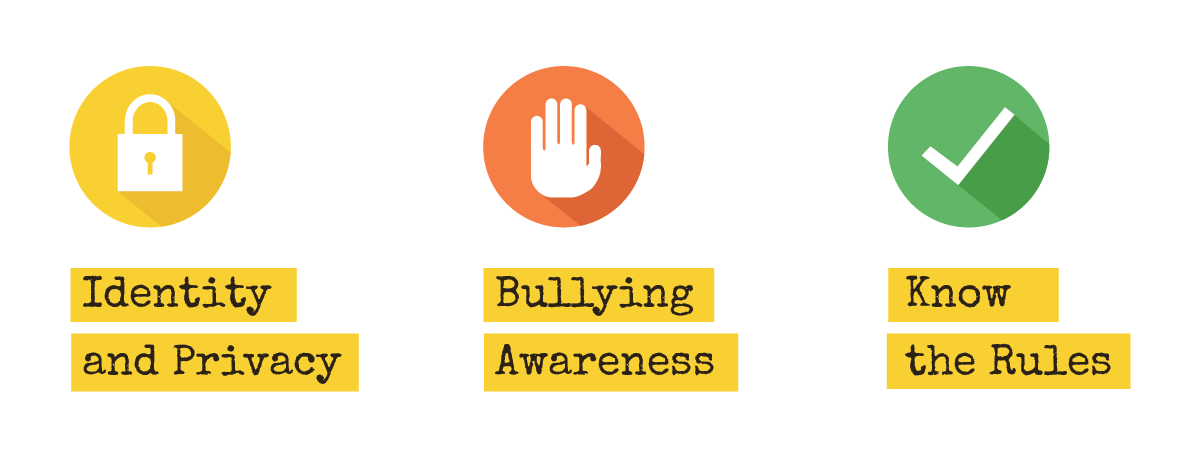
Legal, safe and ethical protocols should be considered when creating digital media. Students need to understand what it means to have ownership of own creations and the need for watermarks when sharing online. They need to understand copyright and the importance of acknowledging use of premade sources. It is not ethical to copy other ideas and claim as own. Students need to know that what they post online, must be cybersafe and that everything has a digital footprint, which can be traced back to the students if they do not follow correct steps. Students need to ensure they are following safe protocols, for the students who are experiencing any cyber bulling to Block, Report and Support others who have or are experiencing similar experience.
Analyse the impact of effort, space, time, objects and people when composing and performing movement sequences (ACPMP103 - Scootle)

References:
ACARA. (n.d.) Australian Curriculum: Health and Physical Education. Australian Curriculum https://www.australiancurriculum.edu.au/f-10-curriculum/health-and-physical-education
Queensland Government. (2022). Block, Report, Support. Department of Education. https://behaviour.education.qld.gov.au/supporting-student-behaviour/bullying-and-cyberbullying/block-report-support